iBank
Corporate Banking Governance Standard
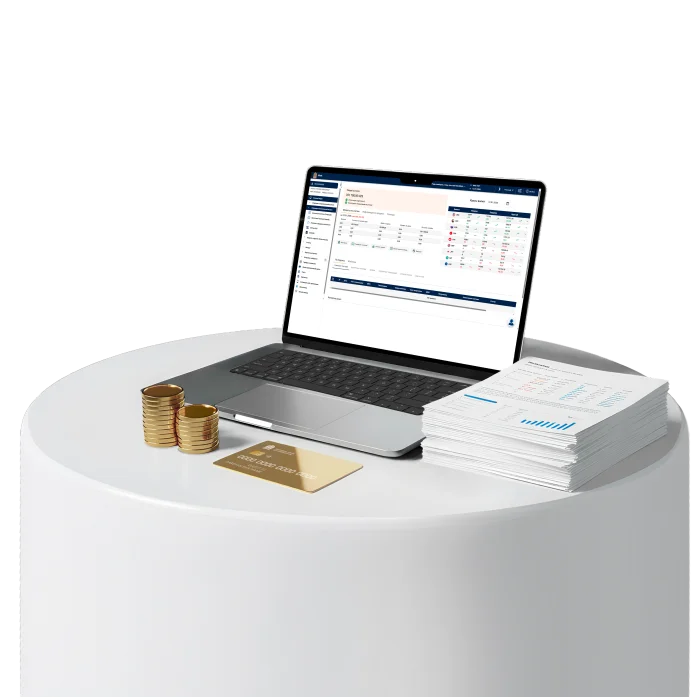

Security
• Execution of transactions using a Digital Signature (EDS)
• Access rights differentiation

Integrations
• 1C-Accounting
• SAP
24/7 Support
• Fast resolution of operational and technical issues
• Direct submission of requests to the bank
Features
Internal & International Payments
Fast processing of domestic and international payments
Online local and foreign currency transfers
Processing payment requests
Foreign currency purchase and sale in the iBank system
International transfers via SWIFT
Payments via E-government systems
Government payments without visiting the bank

Control of Obligations and Payment Schedules
View all credit obligations in one section
Control of payment schedules and outstanding balances
Management of active loan conditions
Loans and overdrafts
Loan issuance
Letters of credit

Flexible Export of Statements and Reports
Transparent real-time financial overview of the business
Detailed reports on accounts, turnover, income and expenses
Turnover and balance analysis
Control of incoming and outgoing transactions
Trial balance statement
Account reference statements
Terminal transaction reports
Flexible export of statements and reports for accounting and management decisions

Corporate & Payroll Card Management
Centralized management of corporate and payroll cards
Online card opening and payroll project support
Creation and processing of payroll registers
Bulk payments execution
Work with transit accounts
Advantages
Convenience and Work Efficiency
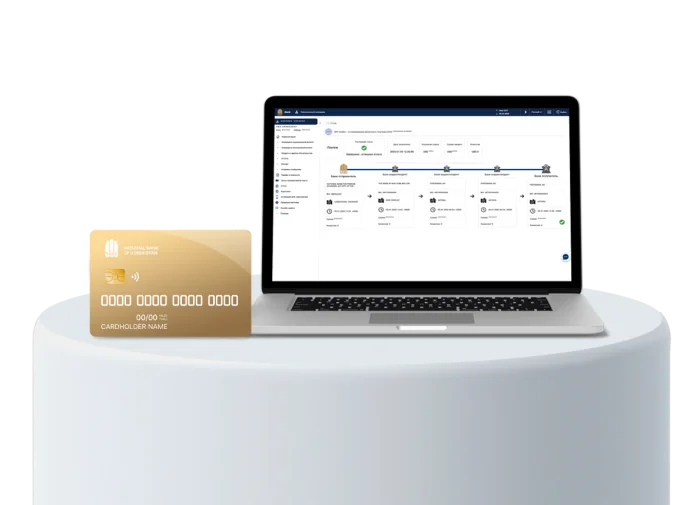
iBank offers a modern and intuitively intelligible interface that simplifies daily financial operations.
The smart dashboard allows quick monitoring of key indicators and decision-making without unnecessary steps

Online Letter of Credit
iBank enables clients to submit an online application for issuing a letter of credit, reducing processing time and eliminating the need to visit the bank

Integration with Financial Systems
iBank easily integrates with the client’s financial systems and automates accounting operations.
The platform supports API integration with 1C: Accounting and SAP, allows creation and import of payment orders, export of statements in ISO 20022 format, and ensures secure data exchange
Saving accounting time
The system automatically generates payment orders to transfer the missing amount to a transit account when purchasing currency or preparing payroll statements.
Payment templates, top operations, and background uploading of large statements for 1–2 years allow work to continue without delays, significantly saving accounting time while maintaining a high level of transaction and data security

Business Services Ecosystem
iBank unifies financial management and related business services in a single digital space. The platform allows controlling corporate groups, setting user access rights, and handling operational tasks without switching between different systems.
The ecosystem includes:
• Account management
• Online applications for products and services
• Non-banking services (OSGOR, company vehicles, counterparty checks)
• Tariffs and fees
• Mobile app activation
• Role-based access management
• Instructions and knowledge base

How to access iBank?
Open a current account
Complete the registration process at the office and get a digital signature
Gain access to iBank
FAQ
Is it necessary to install additional software?
A browser is sufficient to log in.
To log in with EDS, install the software from the "Help" section within iBank
Why is an EDS needed?
An EDS is required to sign payments and applications. Without it, only viewing features are available: transaction history, payments, extracts