iBank Lite
Internet banking for small and medium-sized businesses
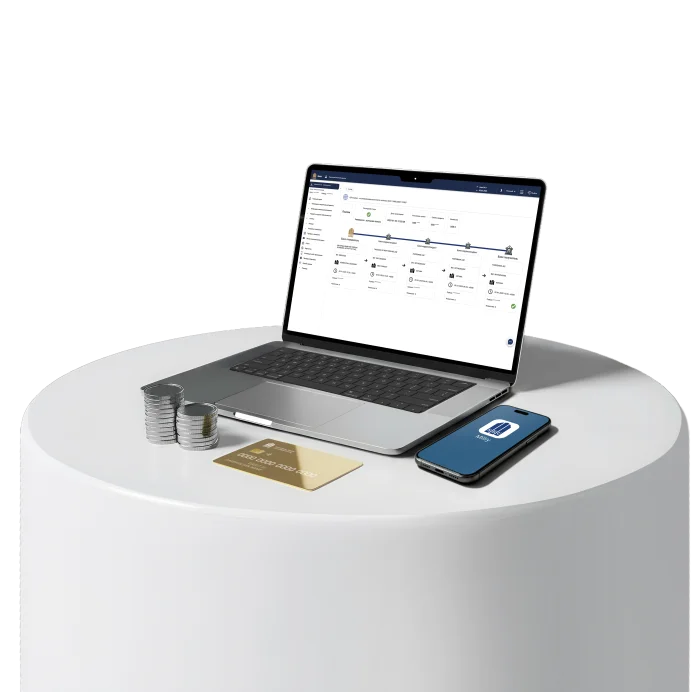

Adaptability
• Access from any device and browser
• No updates required

Flexibility
The possibility of granting the right of a second signature to the accountant

Safety
• All operations are performed using the EDS
• The EDS is issued only by the director
Features
Payments
Make payments to partners and the budget, conduct transactions through “Munis”, pay loans, and replenish corporate cards.

My bills
View full account information, balances, and transaction history

Help
Reach out employees through chat or use the Help section for frequently asked questions

My applications
Create and track the status of your applications for any banking services
Loan agreement
View the information about the loan agreement and its payment schedule

Loan decision
Apply for a business loan directly to the Bank's employees who make the decision

Card index 2
The information about the debt in card index No2 in one place.
Financial reports
Transfer salaries to employee cards, upload.xlsx files, and receive reports and extracts with the ability to filter
Payment requirements
The sent and received payment requirements with partners are displayed, as well as your feedback on them.

Currency payments
Settle accounts with foreign partners, partners within Uzbekistan, and NBU in foreign currency

GPI Tracker
Monitor the status of currency payments to foreign partners online and stay informed about the stages

Currency transactions
Apply for buying and selling currency and calculate the exchange rate to plan operations

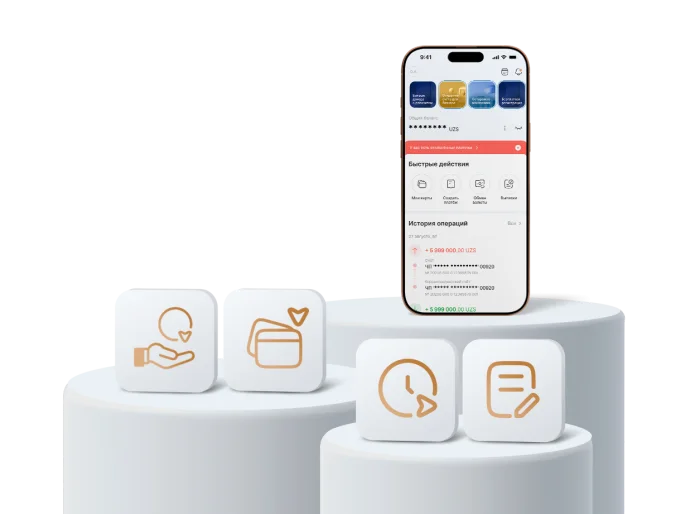
Manage your business with your smartphone
Partner payments
Replenishing corporate cards
Full payment history
Signing payment documents
How to access iBank Lite?
Open a current account online in the Milliy app
Complete the registration process at the office and get a digital signature
Gain access to iBank Lite
How to open a current account in Milliy app
Step 1
Download the Milliy mobile app
Step 2
In the profile, go to the Business Module and select "Open Account"
Step 3
Fill in company (or individual entrepreneur) data and upload documents
Step 4
Go through remote identification and insert the document
The rest is up to us!
We will contact you and provide the EDS at the bank office
FAQ
What do you need to start using iBank?
It is necessary to ask your manager to issue an EDS. In 1 working day, the signature will be ready in the office
Is it necessary to install additional software?
A browser is sufficient to log in.
To log in with EDS, install the software from the "Help" section within iBank
Why is an EDS needed?
An EDS is required to sign payments and applications. Without it, only viewing features are available: transaction history, payments, extracts
How to use a mobile application for business management?
Log in to iBank, open the "Mobile App Activation" section, and complete the activation steps